Free tool · no sign-up

Free quiz scoreboard

Add teams, set the points for right and wrong answers, and tap to score. The board sorts itself. Put it on the TV in full screen.

Tap the + and − buttons to keep score. The board sorts itself. Set Wrong to 0 for no negative marking.

Quick answerUpdated 2026-09-24

Is there a free scoreboard for a quiz competition?

Yes. This online quiz scoreboard runs in your browser: add a team for each table, set how many points a correct answer earns and how many a wrong one loses, and tap the + and − buttons as you mark answers. Set Wrong to 0 for no negative marking, or use decimals such as 0.5. The board re-sorts after every change, shows the top three, and has a full-screen mode for a TV or projector. Undo reverses the last change if you tap the wrong team, and Reset clears the scores for the next round. If you'd rather not keep score by hand at all, run the quiz in QG Playground: players answer on their phones, points are added automatically, and a racing leaderboard appears after each round, ending with a podium for the top three teams.
How to use the quiz scoreboard

01

Add teams

One per table or group.

02

Set the points

Choose the marks for right and wrong answers.

03

Tap to score

The board sorts itself. Undo fixes a slip.

Let the scores keep themselves

Run the quiz in QG Playground and nobody keeps score by hand: players answer on their phones and points are added automatically.

  • Points for speed, added automatically
  • A racing leaderboard after each round
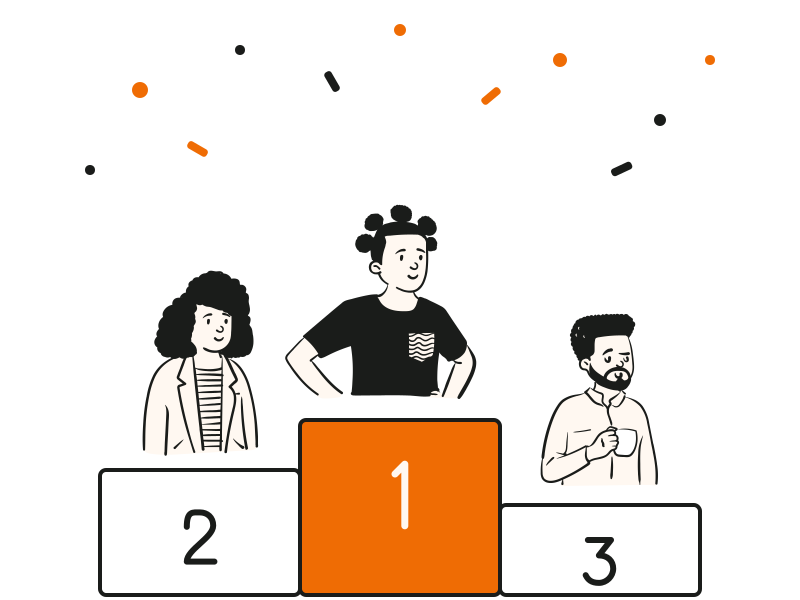
  • A podium finale with confetti
See live quizzes
An audience watching a quiz on stage

At a glance

PriceFree, with no sign-up
PointsYour own values for right and wrong, decimals allowed
Negative markingOptional; set Wrong to 0 to turn it off
Fix mistakesUndo the last change
DisplayFull-screen mode for a TV or projector

Questions people ask

Can't find it? The help centre has step-by-step answers.

Can I use negative marking?
Yes. Set the Wrong value to the marks you take off, or to 0 for no negative marking. Decimals like 0.5 work too.
How do I fix a mistake?
Press Undo to reverse the last change, as many times as you need.
Does the scoreboard save scores?
Scores live in this browser tab. Create a free account to run quizzes that score themselves.
Can I show it on a TV or projector?
Yes. Press Full screen and the scoreboard fills the display.

Stop keeping score by hand.

Run the quiz in Playground and the points add up by themselves. Free for up to 20 players.