For L&D teams and trainers

A quiz tool for corporate training that proves impact

Pre and post tests, knowledge checks every module, and a skills report leadership reads. For L&D teams, in-house trainers and freelance facilitators.

Free plan, no cardPlayers need no app
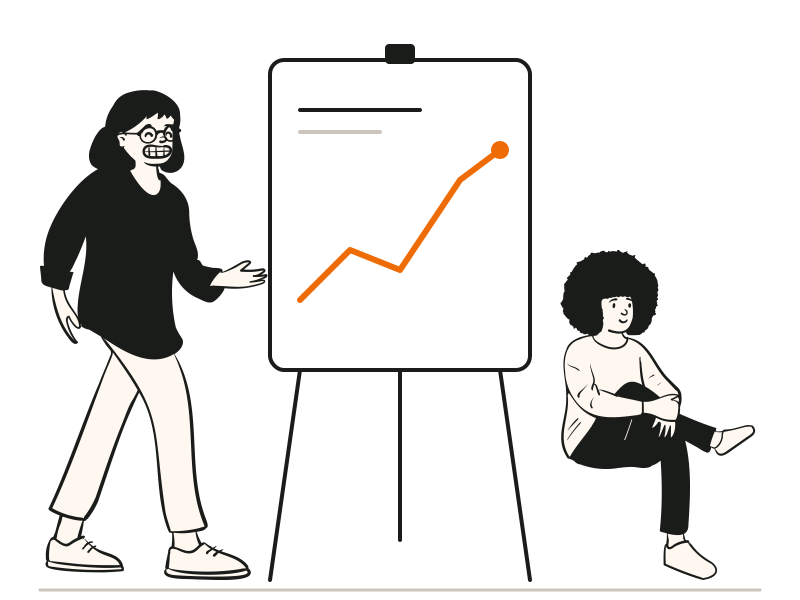
A trainer pointing at a rising chart while a colleague listens
Quick answerUpdated 2026-09-24

How do L&D teams prove training worked?

L&D teams prove training worked by measuring the same skills before and after. In QG Playground, tag each question to your competency framework, in 2 to 6 custom categories, or let Granny tag them. Run a short pre-test before the session, live in the room or scheduled the week before, to capture a baseline. During the session, keep attention with live knowledge checks, polls and word clouds on the big screen. Afterwards, run the same quiz as a post-test, and again a few weeks later to check retention. The report shows a heatmap of people against skills, proficiency bands from Exceeds to Below, the hardest questions, and movement from the first run to the latest in each category. Email each learner their own report or print a PDF for leadership. Freelance trainers can put each client's logos on every screen with Pro Plus.
A workshop planned around evidence.

A half-day session plan, and what each moment gives you afterwards.

  1. Week before
    Pre-test, scheduled

    Ten to twenty skill-tagged questions with a time window. Every baseline is in before anyone walks in.

    Baseline
  2. 09:30
    A word cloud to open

    “One word: what do you want from today?” The room sees itself on screen in seconds.

    Read the room
  3. 10:45
    Knowledge check

    Three to five questions at the end of each module, or a poll to split the room before a case study. The reveal shows what landed.

    Live check
  4. 13:00
    Post-test and podium

    The same quiz as the pre-test, racing to a podium. It doubles as your evidence.

    Evidence
  5. Four weeks later
    Retention re-test

    Run it once more. The report shows the movement from the first run to the latest.

    Retention

Evidence your leadership will read.

Every question carries a skill tag, so the report can show who is strong where and how far the group moved.

  • A heatmap of people against your own skill categories
  • Proficiency bands from Exceeds to Below
  • First run to latest run, per category
  • A PDF for leadership, a personal report for each learner
See skills analytics

Freelance trainer? Give every client their own room.

Put the client's logos and programme name on every screen and certificate, run it on whatever projector or video call the venue has, and leave behind a report the client forwards.

  • Up to 3 logos and an event name on every screen (Pro Plus)
  • Duplicate a quiz and rebrand it for the next client
  • Your phone as a remote, so you can walk the room
  • PDF and CSV reports to send after the session
See Enterprise and branding
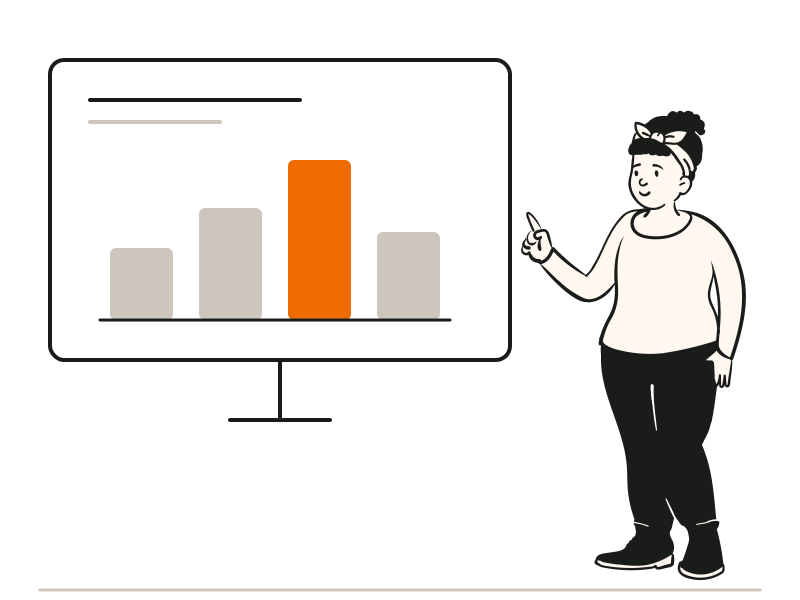
A facilitator presenting a bar chart to a group

At a glance

Plan for L&D teamsPro Plus: skills analytics, branding, player details, certificates
Learner identityEmployee ID, email or mobile, with a consent line
DeliveryLive in the room, on a video call, or scheduled with a time window
ExportsPDF report, CSV, personal email reports
Several trainersEnterprise: multiple host licences on one contract

Questions people ask

Can't find it? The help centre has step-by-step answers.

Can I use it for compliance training?
Yes. POSH, fire safety and code-of-conduct quizzes with certificates and a record by employee ID are common. See compliance and safety quizzes.
Can it connect to our LMS?
Export results as CSV and load them into your LMS. Direct integrations aren't available yet.
Can learners take the test in their own time?
Yes. Scheduled quizzes open and close at set times and need no presenter, on Pro and above.
I'm a freelance trainer. Can I reuse a quiz with different clients?
Yes. Duplicate the quiz and change the logos and event name for each client.
Can I run the quiz from my phone while I walk the room?
Yes. The phone remote on Pro Plus gives you Back and Next on your own phone, paired with a private QR.
Can we try it with one batch first?
Yes. Start on the Free plan with up to 20 learners per session, or book a demo and we'll plan a pilot with you.