 Quick answerUpdated 2026-09-24
How do I run a live poll in a meeting?
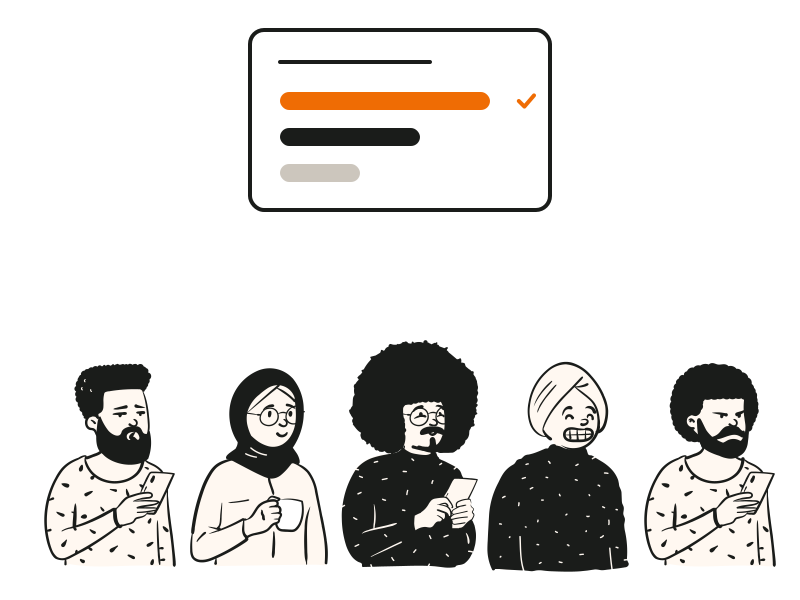
In QG Playground, add a poll slide to any session, press Go live and show the room code. People open qgplay.live on their phones, enter the code and vote with one tap, with no app and no clickers to hand out. Results appear live on the big screen as bars in each option's colour, with percentages and a vote count, so you can talk about them as they form. Polls open straight away, with no countdown, timer or score, and stay open until you move on. Mix them with word clouds for open answers, ratings for feedback on a 5 or 10 scale, and rankings for priorities, in the same session as quiz questions. For a feedback survey, run the same questions live in the last few minutes of a session, while everyone is still in the room. Votes are anonymous by default, and polls are on every plan.