For event organisers

Live polls and quizzes that engage the whole hall

Live polls, word clouds and quizzes for conferences, launches and gala nights. Everyone joins by QR from their seat, and the stage stays in control.

Free plan, no cardPlayers need no app
An audience watching a presentation on a large screen
Quick answerUpdated

How do I engage 500 people at a conference?

Give every person a way to take part from their seat. With QG Playground, put the QR code and room code on the stage screen; people join on their phones in seconds, with no app. Between talks, run a live poll or word cloud so speakers hear the room, take a rating after each session, and lift the energy with a short quiz that races to a podium with confetti. Pro Plus hosts 500 players a room and puts the event's logos and name on every screen; a one-off event pass covers a single bigger day of up to 2,000 players. For big competitions, run an online qualifier beforehand and a live final on stage. A recap at the end brings back every poll and rating, and the report and CSV export give organisers the feedback data. The product is shaped by 300+ live events run by Quiz Granny, so it is built around stage timing.
A conference day, run from one screen.

One QR on the opening slide, then a moment for every part of the programme.

Looking for ideas? 6 event engagement activities that work

  1. 09:30Doors

    QR and room code on screen while people find their seats.

  2. 10:00Keynote

    A word cloud: one word for what they want from today.

  3. 11:30Panel

    A live poll the moderator reads out.

  4. 14:00After lunch

    A ten-question quiz to wake the hall up.

  5. 17:00Closing

    Podium, awards and feedback before anyone leaves.

A leaderboard the whole hall watches.

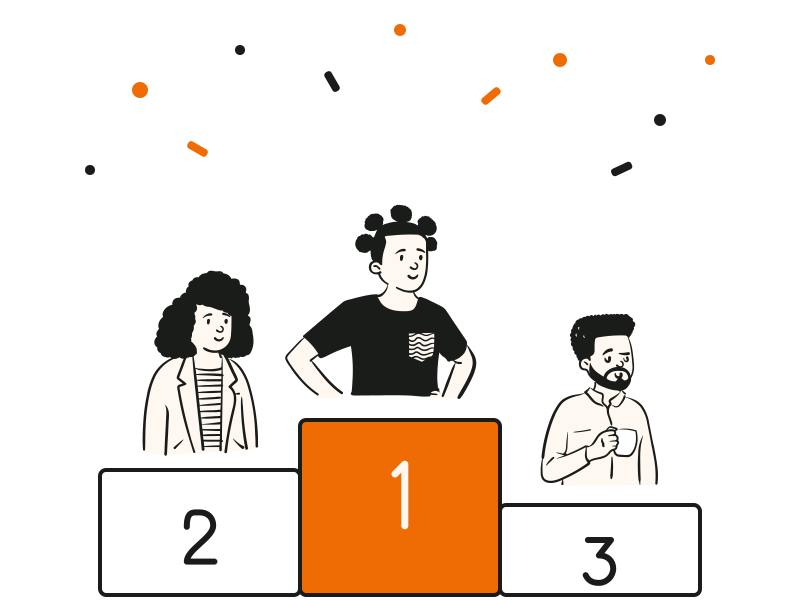
Streaks, countdowns and a leaderboard that races after every question, ending on a podium with confetti and special awards.

  • Event logos and name on every screen (Pro Plus)
  • 500 players per session on Pro Plus; an event pass for up to 2,000
  • An online qualifier, then a live final on stage
  • Run it from your phone as a remote
See quiz competitions

Event feedback, before people leave.

Ask in the closing minutes, with the QR still on screen. Once the doors open, few people come back to a form.

  • Answers show live, which makes a closing moment
  • Anonymous by default: nicknames only
  • Averages, breakdowns and every answer in the report

A four-question feedback survey

  • 1 · RatingOverall, out of 5
  • 2 · RatingVenue and organisation
  • 3 · RankingSessions, most to least useful
  • 4 · Word cloudOne word for today

At a glance

Scale500 players per session on Pro Plus; an event pass for up to 2,000; Enterprise on request
JoiningQR or 6-character room code, no app
BrandingUp to 3 logos and the event name on every screen
FeedbackRatings, ranking and word cloud, live in the closing minutes
Experience300+ live events run by Quiz Granny
Brochure

Send it to your team.

Flip through it here, or share the link on WhatsApp or email. The link opens the brochure on any phone.

QG Playground for events and conferences

Wake up the post-lunch slot: what a QG Playground quiz looks like on the day of your event. 2 pages · PDF 0.3 MB

QG Playground for quiz competitions

Run the prelims online, then take the top teams from prelims to the stage final. 2 pages · PDF 0.4 MB

Questions people ask

Can't find it? The help centre has step-by-step answers.

How fast can 500 people join?
Joining takes a code and a nickname, so most rooms are in within a minute or two.
Do attendees need an app?
No. They scan the QR or type the room code in any phone browser.
Can the screens show our event branding?
Yes. Pro Plus adds up to 3 logos and a line with the event name across every screen.
How do we get more event feedback?
Ask live in the closing minutes, with the QR still on screen. Keep it to four questions.
Is event feedback anonymous?
Yes, by default. Attendees give a nickname only, unless you switch on player details.
Can Quiz Granny run the event with us?
Yes. Quiz Granny, the company behind Playground, hosts live quiz events on stage. Tell us about yours.
How do attendees join a live poll or quiz at an event?
They scan the QR code on the stage screen, or open qgplay.live and type the 6-character room code. No app, no account. The same code works for every poll and quiz in the session.
Can I use it at a wedding, party or community event?
Yes. Put the QR on the venue screen and run a quiz about the couple, the club or the neighbourhood. For a single day, a one-off event pass covers the room without a subscription. See how to run a wedding quiz.
Can I run polls, quizzes and feedback in one session?
Yes. Mix polls, word clouds, ratings and quiz questions in one session, and the recap at the end brings every result back.

Put your next event on the big screen.

Free to try with up to 20 players. Pro Plus for the whole hall.

Shaped by 300+ live events run by Quiz Granny