AI quiz generator

An AI quiz generator that checks its own facts

Tell Granny the topic and who it's for, or drop in your notes. She drafts questions, answers and skill tags, then waits for your say-so.

Free plan, no cardPlayers need no app
Quick answerUpdated 2026-09-24

Can AI make a quiz from my notes?

Yes. In QG Playground, Granny, the built-in AI, turns a topic or your own material into a ready-to-play quiz. Upload a PDF, Word, PowerPoint, Excel, text or HTML file, or describe the quiz in a sentence. Granny asks one short question at a time: who it's for, how many questions, the difficulty, the formats and the language, skipping anything you've already told her. She drafts every question with the correct answer, an explanation, a difficulty level and a skill tag, and runs a fact check that flags anything she couldn't verify. Review the draft, replace single questions, or ask for changes in plain words such as “make it harder” or “make it bilingual”. When you save, the quiz opens in the editor, where Granny can keep editing with undo. Free includes 1 AI quiz of up to 10 questions.
From a sentence to a saved quiz

  1. A sentence is enough. Or add a PDF, Word, PowerPoint or Excel file, and Granny writes MCQs from it.

  2. Audience, how many, difficulty, formats and language. Granny skips what she already knows.

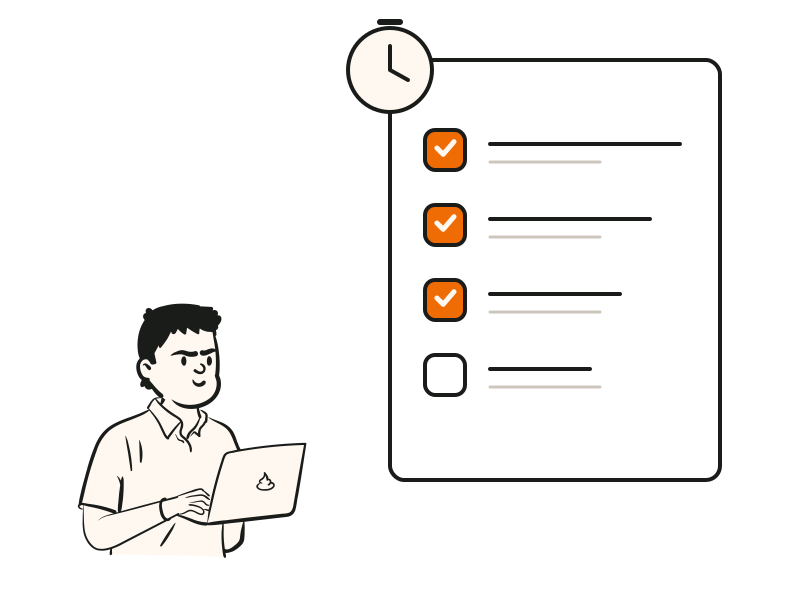
  3. Fact-check status on every question. Replace one, or ask for harder, easier or bilingual.

A person with a bright idea
Two people talking through a question
A person checking a list of questions

Checked, tagged, explained.

Every question arrives with an explanation, a difficulty level and a skill tag, so your report works from day one. The fact check marks anything it couldn't verify.

  • Fact check with “Not verified” flags
  • Skill and difficulty tags on every question
  • Your own analytics categories on Pro Plus
  • Never saves without you

An AI quiz generator in Hindi, English or both

Choose the language when Granny asks, or say it in your first message. The same goes for MCQs from a PDF: upload the chapter, pick Hindi or bilingual.

  • LanguagesEnglish · Hindi · Bilingual · Mixed
  • AlsoAny other language you type
  • FormatsMCQ · Multi-select · True/false · more
  • FilesPDF · DOCX · PPTX · XLSX · TXT · MD · CSV · HTML
  • Fix-ups by chat“Make it bilingual”

Granny keeps helping after the draft.

Inside the editor, ask in plain words: “make question 3 harder” or “change the font on all slides”. Granny edits the quiz, tells you which slides she changed, and lets you undo.

  • Edits questions, options and correct answers
  • Changes font, size, colour, animation and points
  • Undo and redo for every change
  • Warns you when she can't apply something
Make a quiz with AI, step by step

At a glance

InputA topic, or PDF, DOCX, PPTX, XLSX, TXT, MD, CSV or HTML
Documents1 × 20 MB on Free; 2 × 50 MB on paid plans
AI quizzes1 Free · 5 a month Pro · Unlimited Pro Plus and Enterprise
Questions per AI quiz10 Free · 25 Pro · 50 Pro Plus
LanguagesEnglish, Hindi, bilingual, or any language you type
Your dataPrompts kept 30 days for debugging; never used to train models

Questions people ask

Can't find it? The help centre has step-by-step answers.

How accurate are the questions?
Granny checks facts as she writes and marks any question she couldn't verify as “Not verified”. You review every question before saving, and you can replace any one with a click.
Can it make MCQs from a PDF?
Yes. Upload a PDF, Word or PowerPoint file and Granny writes multiple choice and other questions from it, with answers and explanations. Free allows one 20 MB document per quiz.
Can it write in Hindi?
Yes. Choose English, Hindi, bilingual or mixed, or type any other language.
Is my document used to train AI?
No. Prompts are kept for 30 days for debugging and are never used to train models.
What if I don't like a question?
Press “Replace this question” for a new one on the same point, remove it, or ask Granny in plain words to change it.
How many AI quizzes can I make?
1 on Free, 5 a month on Pro, and unlimited on Pro Plus and Enterprise.
Can Granny break my quiz?
Every change can be undone, and she tells you exactly which slides she changed.
Does Granny make mistakes?
Sometimes, like any AI. She says so in the chat, and you review everything before it goes live.