Question paper generator

An AI question paper generator for teachers

Turn a chapter or syllabus into a balanced MCQ paper with an answer key, then print it or run it online with a time limit and minus marks.

Free plan, no cardPlayers need no app
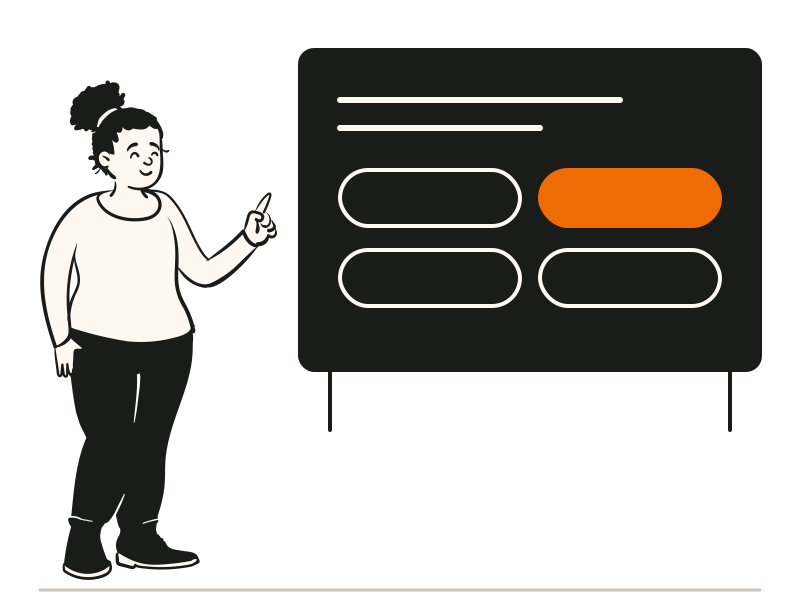
A teacher at the board with answer options
Quick answerUpdated 2026-09-24

How do I generate an MCQ question paper with AI?

In QG Playground, open Create with Granny, upload your chapter, notes or syllabus as a PDF or Word file, and tell her the class, the number of questions and the difficulty mix. Granny drafts multiple choice, true or false and multi-select questions with the correct answers and a short explanation for each, tagged by topic and difficulty, and checks the facts. Review the draft, replace any question, and save. Download the paper and answer key as a PDF or Excel file, or run it online as a scheduled test with a time window, a whole-paper timer, minus marks and shuffled options. Results show which topics the class found hardest, question by question. It works for school class tests, college internals and coaching institute mock tests, in English, Hindi or both, and the Free plan lets you try it with up to 10 questions.

From chapter to paper in three steps

  1. PDF, Word or PowerPoint, from a CBSE, ICSE or state board textbook. Or type the topic and class.

  2. Number of questions, the easy, medium and hard split, the formats and the language.

  3. Download PDF and Excel, or schedule it with a timer and minus marks.

Print it, or run it online

Print it

Download the questions and the answer key as a PDF, or the full set as Excel.

  • Answer key with explanations
  • Hindi, English or bilingual

Run it online

Schedule the paper with a time window and share one link.

  • Minus marks: −¼, −½ or −1
  • Whole-paper timer up to 600 minutes

One paper for class tests, internals and mock tests

Schools, colleges and coaching institutes can print the same paper or run it online.

Class testsCollege internalsMock tests

Every student, a different paper.

With the question bank on Pro Plus, each student gets a balanced random set drawn from your categories, so neighbours can't share answers.

  • N of M questions per category
  • The easy, medium and hard mix you choose
  • Granny rates difficulty if questions aren't tagged
  • One report for the whole class
How the question bank works
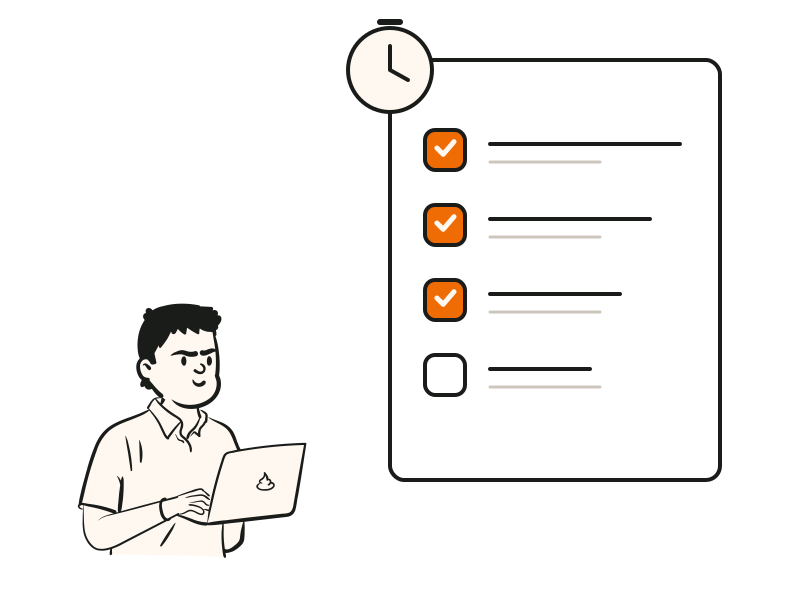
A student working through a checklist of questions

At a glance

OutputPDF and Excel, or an online test
FormatsMultiple choice, true or false, multi-select
Minus marksOff, −¼, −½ or −1
LanguagesEnglish, Hindi, bilingual
Question bankDifferent balanced set per student (Pro Plus)
PlansFree, Pro (₹799/mo), Pro Plus (₹2,499/mo), billed yearly + GST; Enterprise on request

Questions people ask

Can't find it? The help centre has step-by-step answers.

Can I print the paper?
Yes. Download the questions and answer key as a PDF, or the full set as Excel.
Can it make a CBSE test?
Yes. Upload the chapter from your CBSE, ICSE or state board textbook, choose the class and the mix, and Granny drafts the paper. Check every question against your syllabus before you use it.
Can students take it on their phones?
Yes. Schedule it and share the link; students play in any browser. You can also require laptops for serious exams on Enterprise.
Can every student get different questions?
Yes. With the question bank on Pro Plus, each student gets a balanced random set drawn from your categories.
Is it only for English?
No. Papers can be in English, Hindi, bilingual or another language.
Is it free?
You can try it on the Free plan: one AI quiz of up to 10 questions.