 Quick answerUpdated
How do I use a live quiz in a training workshop?
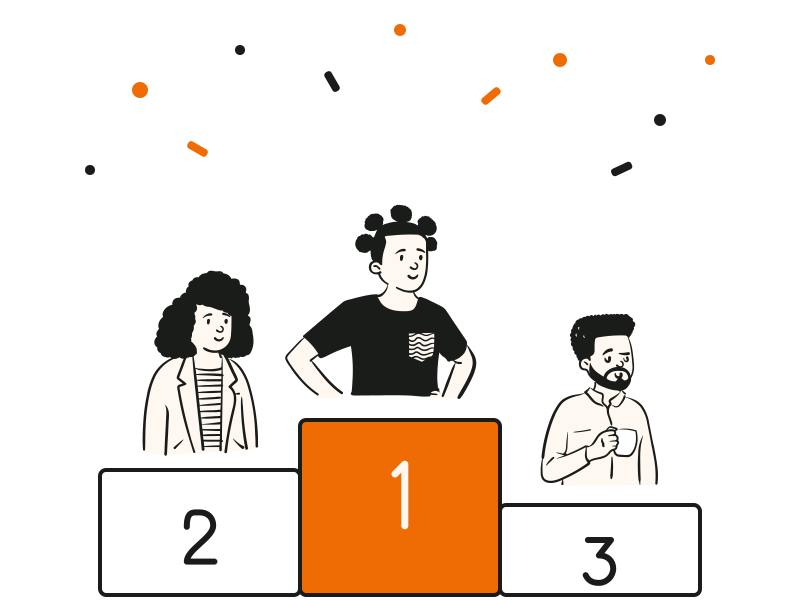
Use a live quiz in a training workshop as a short check after each module, not one long test at the end. In QG Playground, upload your slides or notes and Granny, the built-in AI, drafts questions with answers; you review and save. At the start, run a two-minute icebreaker poll or a warm-up quiz to see what the room already knows. After each module, go live with three questions: participants join at qgplay.live on their phones with a room code, answer against a timer, and see the correct answer on the big screen, so you can clear up confusion before moving on. People in the room and people on Zoom, Teams or Google Meet join the same code, so hybrid sessions work too. Close with a final round and a podium. Afterwards, the report shows which questions most people missed, and Pro Plus adds before-and-after skill comparison and automatic certificates.