 Quick answerUpdated
How do I run a quiz game in my classroom?
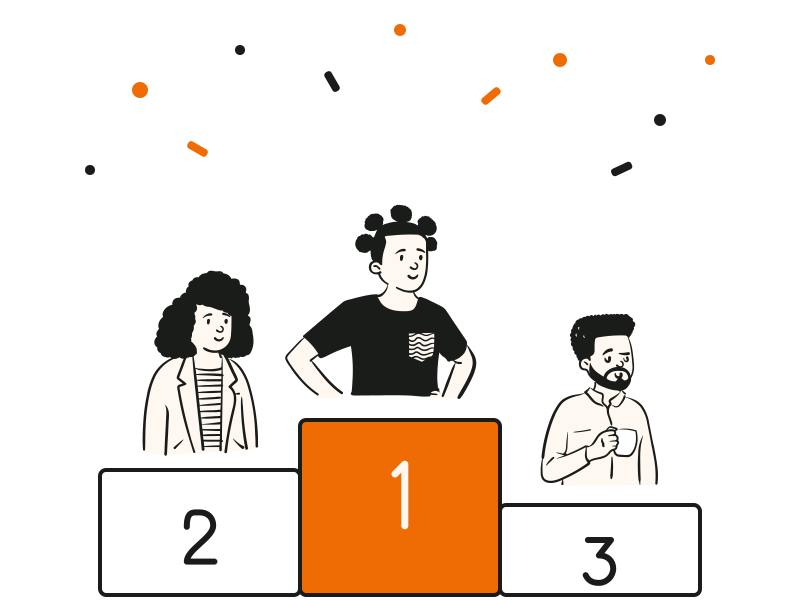
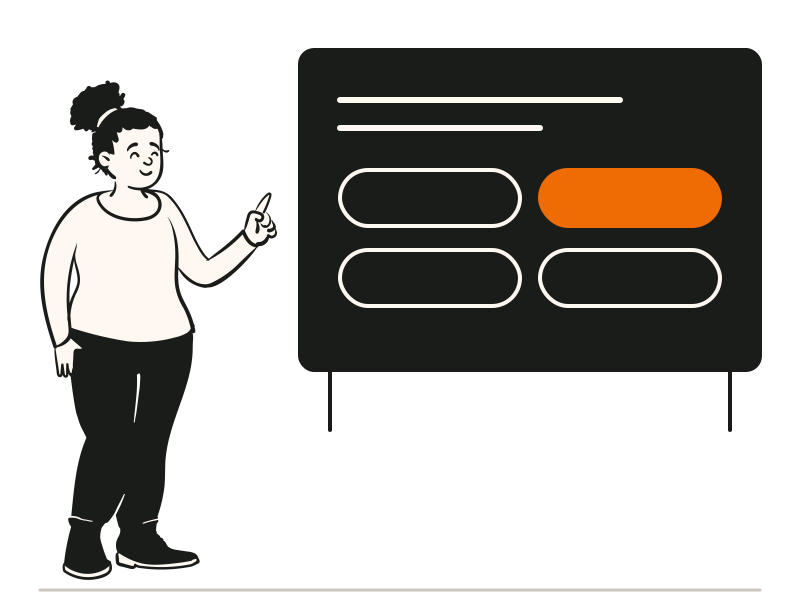
Run a classroom quiz game by putting the questions on the projector and letting students answer on their own devices. In QG Playground, type the topic and grade, or upload your notes, and Granny, the built-in AI, drafts the questions with answers; you review and save. Press Go live. Students open qgplay.live, type the room code or scan the QR, and join with a nickname, so they need no app, account or email. Each question runs on a timer, faster correct answers score more, and a racing leaderboard shows the top 10. For low-stakes review, switch the leaderboard off and the quiz ends calmly instead of on a podium. Use three questions as an exit ticket at the end of the lesson, then open the report to see which questions most of the class missed. The Free plan covers up to 20 students a session, and Pro covers 100.